Guardrails and the knowledge base
Two settings that pull in opposite directions, which is why they share a chapter.
Guardrails narrow what the receptionist will do. They are mostly fixed, and the parts you can tune are about when to stop rather than what to say.
The knowledge base widens what it knows. It is how you tell it the things that are true of your business and are not in your catalog.
The scope is not yours to widen
Every run is built on a task-scope preamble that ships with SlotDesk and cannot be edited from the panel. It tells the model it is the booking receptionist for your business and that its only job is:
- booking, rescheduling and cancelling appointments
- questions about services, staff, opening hours, prices, location and policies
and that it must politely refuse everything else: general knowledge, coding, jokes, opinions, other businesses, medical or legal advice.
Underneath that sit the hard rules, and they are the reason the receptionist is safe to point at real customers:
- Never invent availability, prices, services or staff. Always call a tool and use real data.
- Confirm the service, the staff member (or "anyone"), the date and the time before creating a booking.
- Hand off if it cannot help or the customer asks for a person.
- Never take card numbers in chat. A payment link is the only way to pay, and it must be sent exactly as generated, never shortened or rewritten.
Your booking policy is injected too, so you do not need to restate it anywhere: timezone, currency, minimum notice, how far ahead bookings are allowed, and the cancellation and reschedule windows all come from Booking rules.
Custom instructions are added below all of this, with an explicit instruction that they must not override the task scope or the hard rules. A longer instruction will not solve a problem the policy creates: you cannot instruct your way past the booking policy.
Off topic
When a request is outside scope, the model does not improvise a refusal. It calls no tool and
replies with a single marker, [[OFF_TOPIC]], which SlotDesk intercepts. The customer never sees
the marker.
This is why the receptionist will not answer "what's the weather" or "write me a poem" even though the underlying model obviously could.
The six guardrails
Anything that stops a run is recorded as one of six kinds:
| Kind | Fires when |
|---|---|
off_topic |
The model flagged the request as outside scope |
handoff_keyword |
The message contained one of your handoff keywords |
low_confidence |
The model was not sure enough to act |
opt_out |
The customer has opted out of messages |
daily_limit |
The conversation hit your per-day reply cap |
provider_error |
The model call failed |
The last one matters operationally: a provider failure is treated as a guardrail rather than swallowed, so an outage shows up as a run that stopped and handed off, not as silence.
Handoff keywords match anywhere in the message
This catches people out, and it is the opposite of how opt-out works.
A handoff keyword matches as a substring, ignoring case. human matches "I want a human", and
it also matches "humans" and "inhumane". Opt-out, by contrast, requires the whole message to be
exactly the keyword.
| Match | |
|---|---|
| Handoff keyword | Anywhere in the message |
| Opt-out keyword | The entire message, exactly |
The practical consequence: keep handoff keywords distinctive. A short or common word will hand
off conversations you wanted the AI to handle. manager is safe. man would not be.
The guardrail log
AI → Guardrail log records every activation with when it happened, which customer, which kind and the detail.
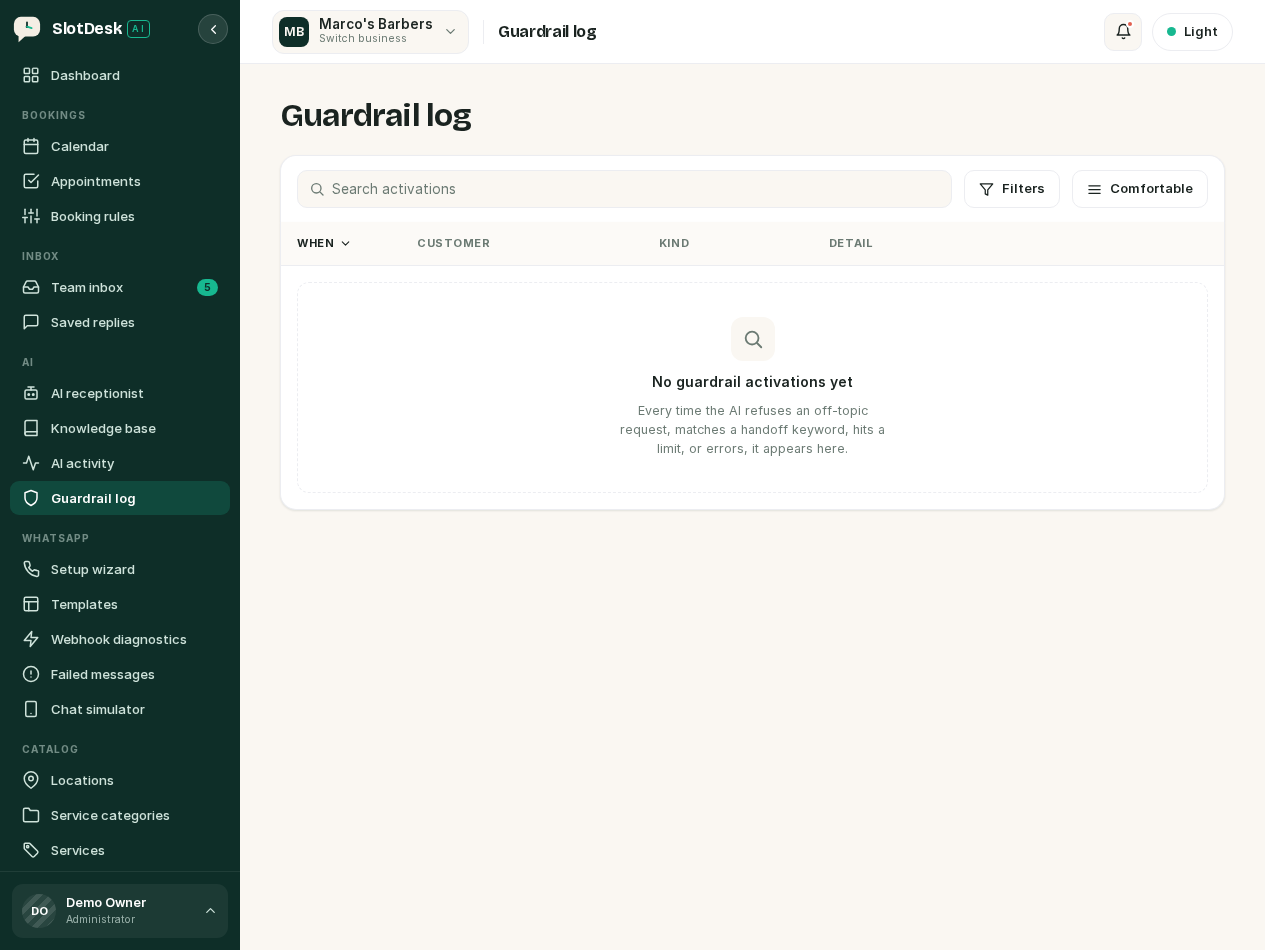 The guardrail log before anything has fired.
Read it as a tuning tool rather than an error log. A run of off_topic entries against the same
question usually means a real customer need that is genuinely out of scope, and a run of
handoff_keyword entries usually means one of your keywords is too broad.
The knowledge base
AI → Knowledge base is a list of facts the receptionist can draw on. Each item has a title, the content, a type and an active flag.
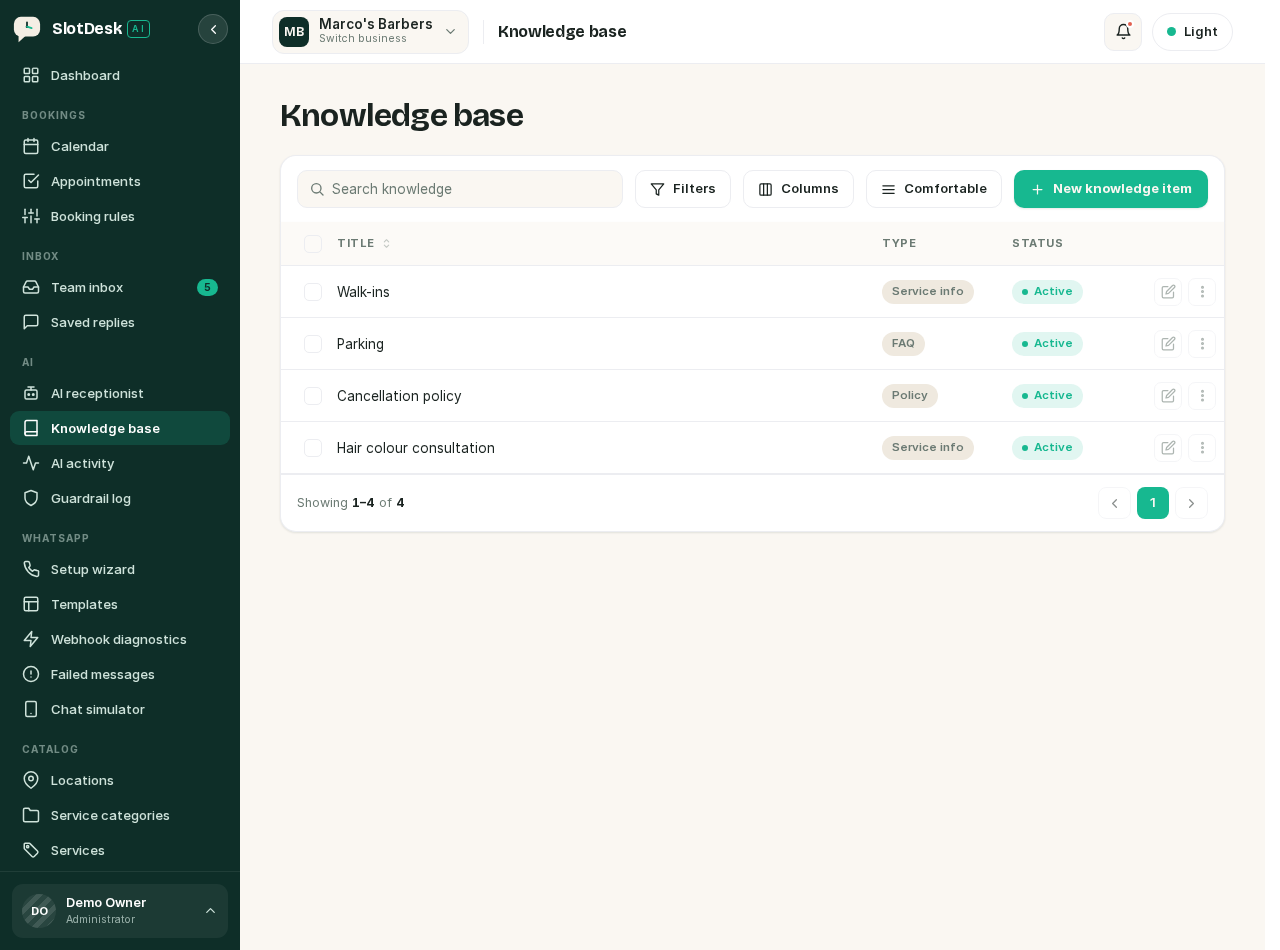 Knowledge items, with the three main types.
| Type | For |
|---|---|
| FAQ | A question customers actually ask |
| Policy | Something you require of them |
| Service info | Detail about a service that does not fit in the catalog |
| Custom | Anything else |
Only active items are searched. Deactivating is the right way to retire a fact temporarily, because it keeps the wording for when you want it back.
What belongs here, and what does not
The catalog and the calendar are the source of truth for anything the tools can look up. Putting the same fact in the knowledge base creates a second source that will drift.
| Put it in the knowledge base | Leave it to the tools |
|---|---|
| Parking, which door to use, what to bring | Prices |
| Whether you take walk-ins | Service durations |
| Your cancellation policy in your own words | Staff and who does what |
| Patch-test rules, age limits, accessibility | Opening hours and availability |
A price written into a knowledge item is the classic mistake. The receptionist will read both it and the catalog, and the moment you change one the two disagree.
How retrieval works
For each incoming question, SlotDesk embeds the question, compares it against your active items, and injects the five closest matches that clear a minimum similarity. Only those go into the prompt, not the whole knowledge base.
Two consequences:
- Wording matters. An item retrieves well when it is phrased the way a customer would ask. "Do you have parking?" beats "Vehicular access provisions".
- Retrieval is best effort. If embedding fails, the receptionist answers without the knowledge base rather than failing the reply. A wrong answer that looks confident can therefore be a retrieval failure rather than a bad item.
Anthropic, Kimi and OpenCode Zen have no embeddings endpoint of their own and fall back to OpenAI-style embeddings, which is covered in The AI receptionist.
If something went wrong
The receptionist refuses something you consider in scope.
Check the guardrail log for off_topic. The scope is fixed, so the fix is usually a knowledge item
phrased the way the customer asked, not a custom instruction.
Every conversation hands off immediately. A handoff keyword is matching as a substring of ordinary words. Look at the log, then make the keyword longer.
A knowledge item is never used. Confirm it is active, then reword the title and content to match how customers actually phrase the question.
The AI quotes an old price.
That price is almost certainly in a knowledge item as well as the catalog. Remove it from the
knowledge base and let get_services answer.
Custom instructions are being ignored. They cannot override the task scope, the hard rules or the booking policy. If your instruction contradicts one of those, the rule wins by design.
Conversations stop replying part way through the day.
The daily reply cap. Look for daily_limit in the log.
Previous: The AI receptionist Next: Payments, Stripe keys, deposits, refunds and invoices.