Sections: work, features and the app
Every landing page carries the same sections in the same order, and each section is identified by
its id. The first group is the story of the product: how it works, what it does, what it looks
like, and how to get it.
Most sections open with the same header block, .aonomy-section-header, holding the title in an
h3 and the subtitle in a p. The section header is included in each markup below rather than
referenced, because the pattern is the anchor you search for when you want to rename a section.
Work section
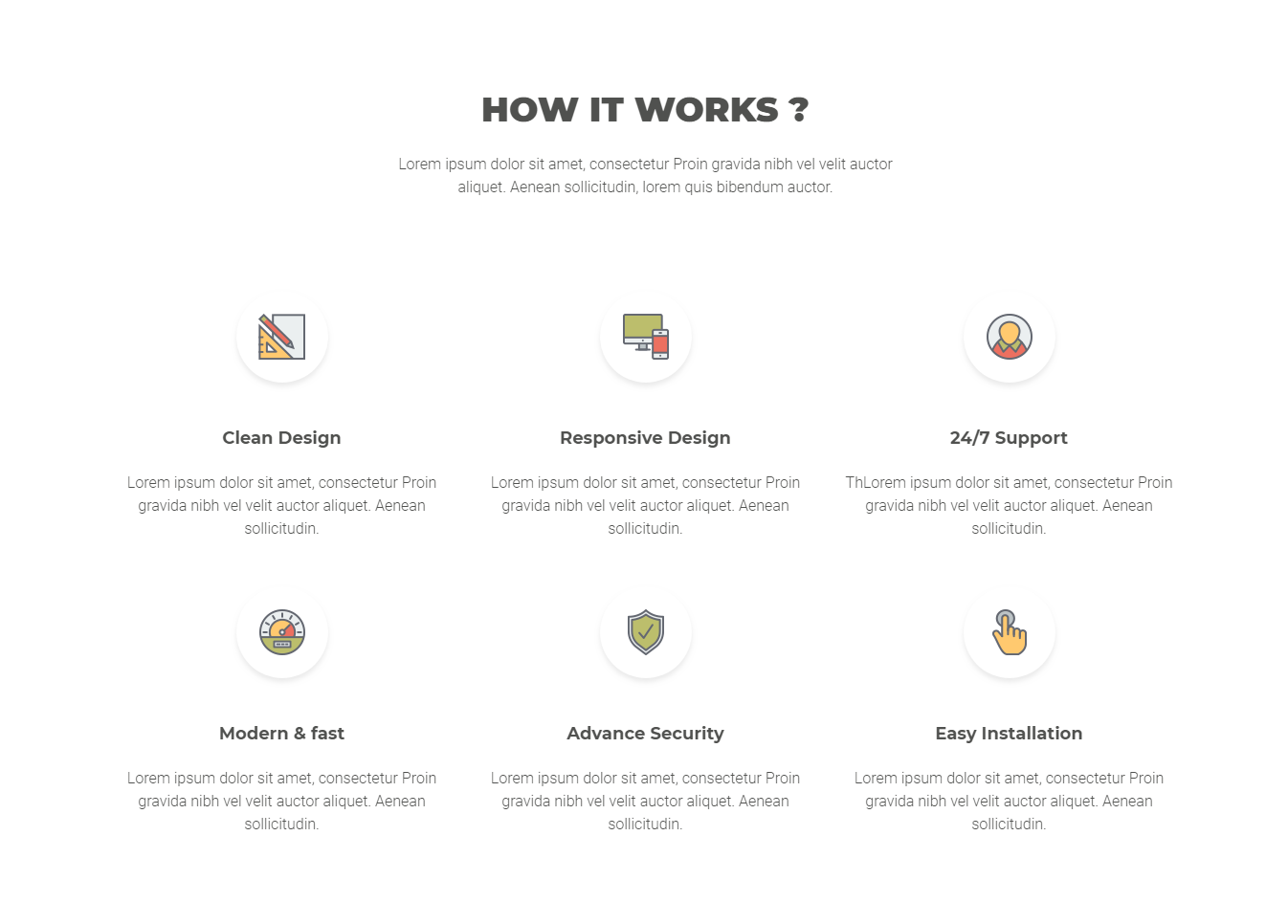
The #aonomy-works section, the "how it works" story in three steps.
<!-- START HOW IT WORKS SECTION -->
<section id="aonomy-works">
    <div class="container">

        <div class="aonomy-section-header">
            <div class="row">
                <div class="col-xl-12">
                    <h3>How to work title</h3>
                    <p>How to work subtitle</p>
                </div><!-- end .col-lg-12 -->
            </div><!-- end .row -->
        </div><!-- end .aonomy-section-header -->

        <div class="aonomy-works-section-container">
            <div class="row">
                how to work content
            </div><!-- end .row -->
        </div><!-- end .aonomy-works-section-container -->
    </div><!-- end .container -->

</section><!-- end #aonomy-works -->
<!-- END HOW IT WORKS SECTION -->
Feature section
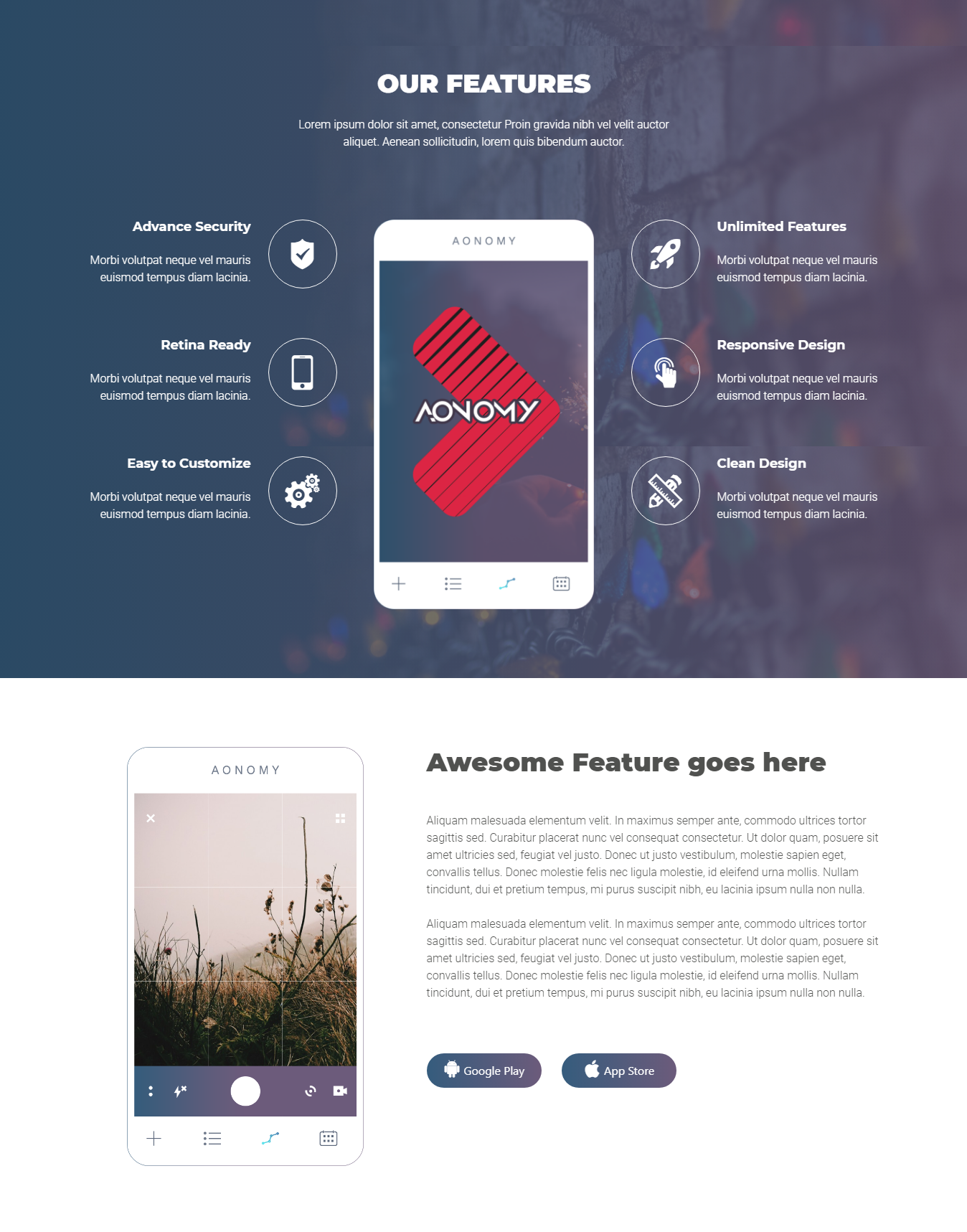
The #aonomy-features section splits into an upper band with the feature icons and a lower band
with the supporting copy. The upper band carries data-stellar-background-ratio="0.5", so its
background participates in the parallax like the header does.
<!-- START AONOMY FEATURE SECTION -->
<section id="aonomy-features">
    <div class="aonomy-upper-feature-container" data-stellar-background-ratio="0.5">
        <div class="container">

            <div class="aonomy-section-header">
                <div class="row">
                    <div class="col-xl-12">
                        <h3>Features title</h3>
                        <p>Features subtitle</p>
                    </div><!-- end .col-lg-12 -->
                </div><!-- end .row -->
            </div><!-- end .aonomy-section-header -->

            <div class="aonomy-upper-features">
                <div class="row">
                    upper feature content
                </div><!-- end .row -->
            </div><!-- end .aonomy-upper-featues -->
        </div><!-- end .container -->
    </div><!-- end .aonomy-upper-feature-container -->

    <div class="aonomy-bottom-features">
        <div class="container">
            <div class="row">
                bottom feature content
            </div><!-- end .row -->
        </div><!-- end .container -->
    </div><!-- end .aonomy-bottom-features -->

</section><!-- end #aonomy-features -->
<!-- END AONOMY FEATURE SECTION -->
Video section
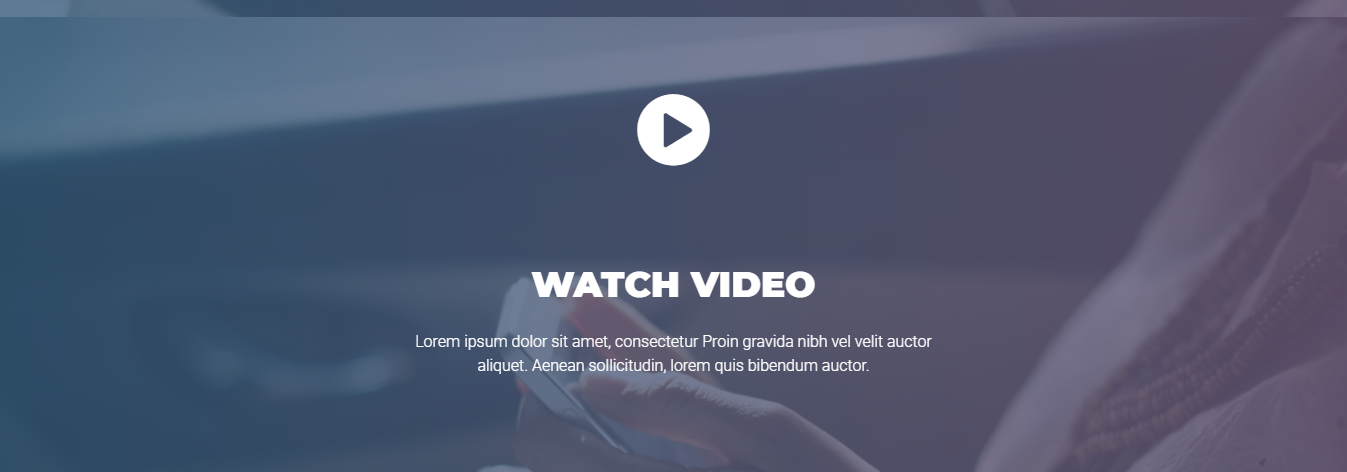
The #aonomy-video section is a single play link over a background, opening the promo in the lity
lightbox.
<!-- START AONOMY VIDEO -->
<section id="aonomy-video" data-stellar-background-ratio="0.5">
    <div class="container">

        <div class="aonomy-video-icon">
            <div class="row">
                <div class="col-xl-12">
                    Video link
                    <i class="icofont icofont-play-alt-1"></i></a>
                </div><!-- end .col-xl-12 -->
            </div><!-- end .row -->
        </div><!-- end .aonomy-video-icon -->

        <div class="aonomy-section-header">
            <div class="row">
                <div class="col-xl-12">
                    Video Details
                </div><!-- end .col-lg-12 -->
            </div><!-- end .row -->
        </div><!-- end .aonomy-section-header -->

    </div><!-- end .container -->
</section>
<!-- END AONOMY VIDEO -->
App screen section
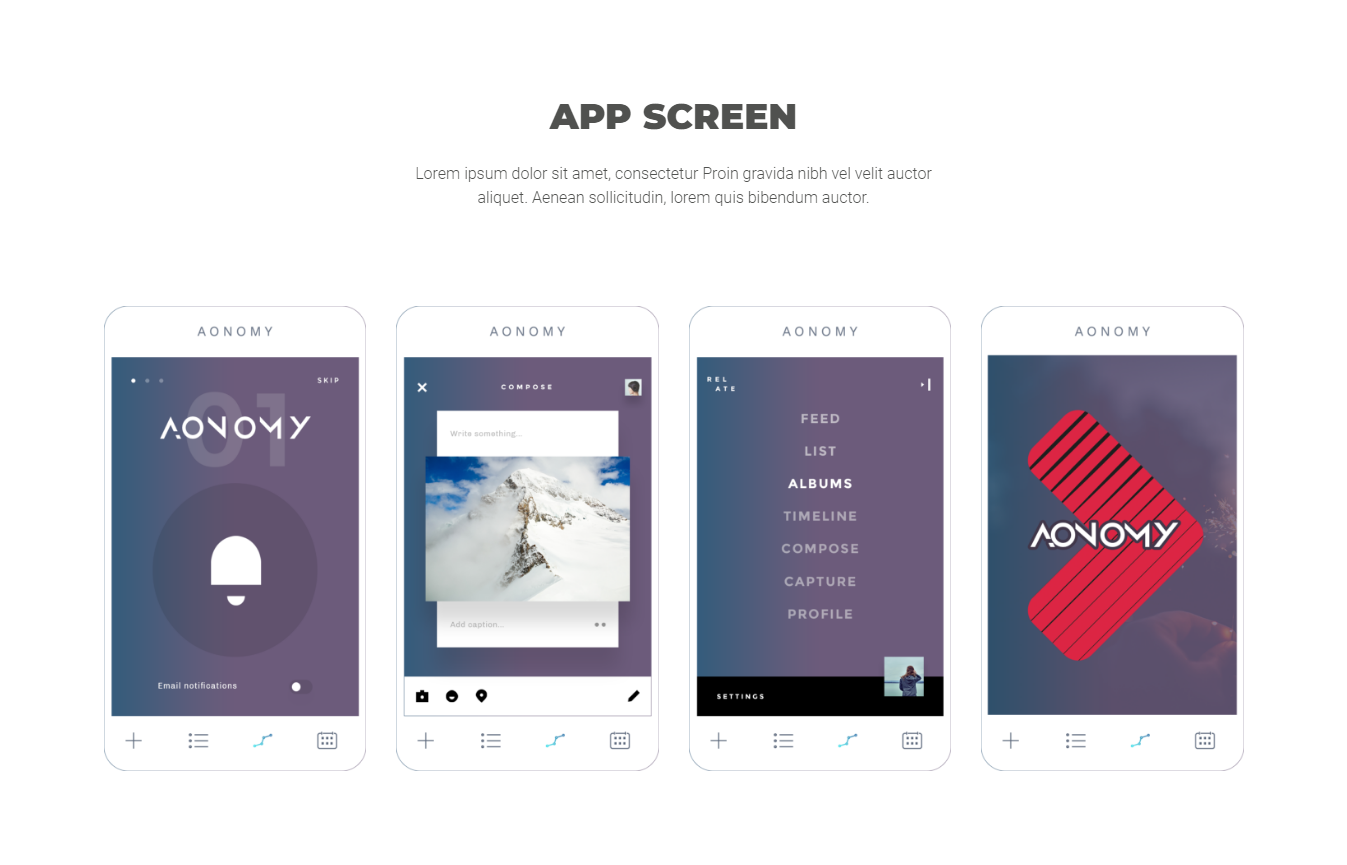
The #aonomy-app-screen section shows the app screens in a grid, one row of devices.
<!-- START AONOMY APP SCREEN -->
<section id="aonomy-app-screen">
    <div class="container">

        <div class="aonomy-section-header">
            <div class="row">
                <div class="col-xl-12">
                    <h3>App Screen title</h3>
                    <p>App Screen subtitle</p>
                </div><!-- end .col-lg-12 -->
            </div><!-- end .row -->
        </div><!-- end .aonomy-section-header -->

        <div class="aonomy-app-screen-container">
            <div class="row">
                App Screen Content
            </div><!-- end .row -->
        </div><!-- end .aonomy-app-screen-container -->

    </div><!-- end .container -->
</section>
<!-- END AONOMY APP SCREEN -->
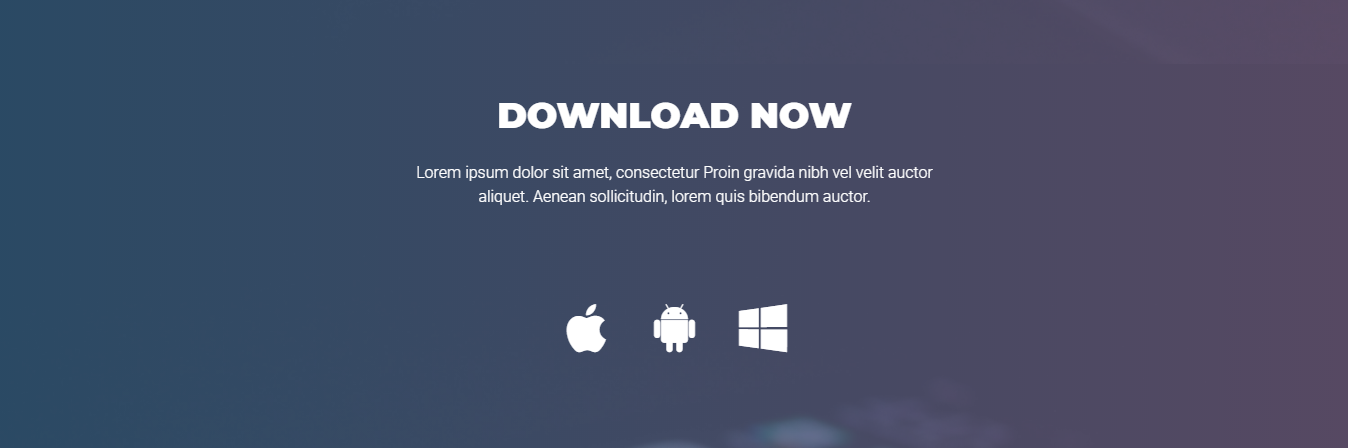
Download section
The #aonomy-download section carries the store badges, on a band that participates in the
parallax.
<!-- START AONOMY DOWNLOAD SECTION -->
<section id="aonomy-download" data-stellar-background-ratio="0.5">
    <div class="container">

        <div class="aonomy-section-header">
            <div class="row">
                <div class="col-xl-12">
                    <h3>Download title</h3>
                    <p>Download subtitle</p>
                </div><!-- end .col-lg-12 -->
            </div><!-- end .row -->
        </div><!-- end .aonomy-section-header -->

        <div class="aonomy-download-section">
            <div class="row">
                download content
            </div><!-- end .row -->
        </div><!-- end .aonomy-download-section -->
    </div><!-- end .container -->
</section><!-- end #aonomy-download -->
<!-- END AONOMY DOWNLOAD SECTION -->