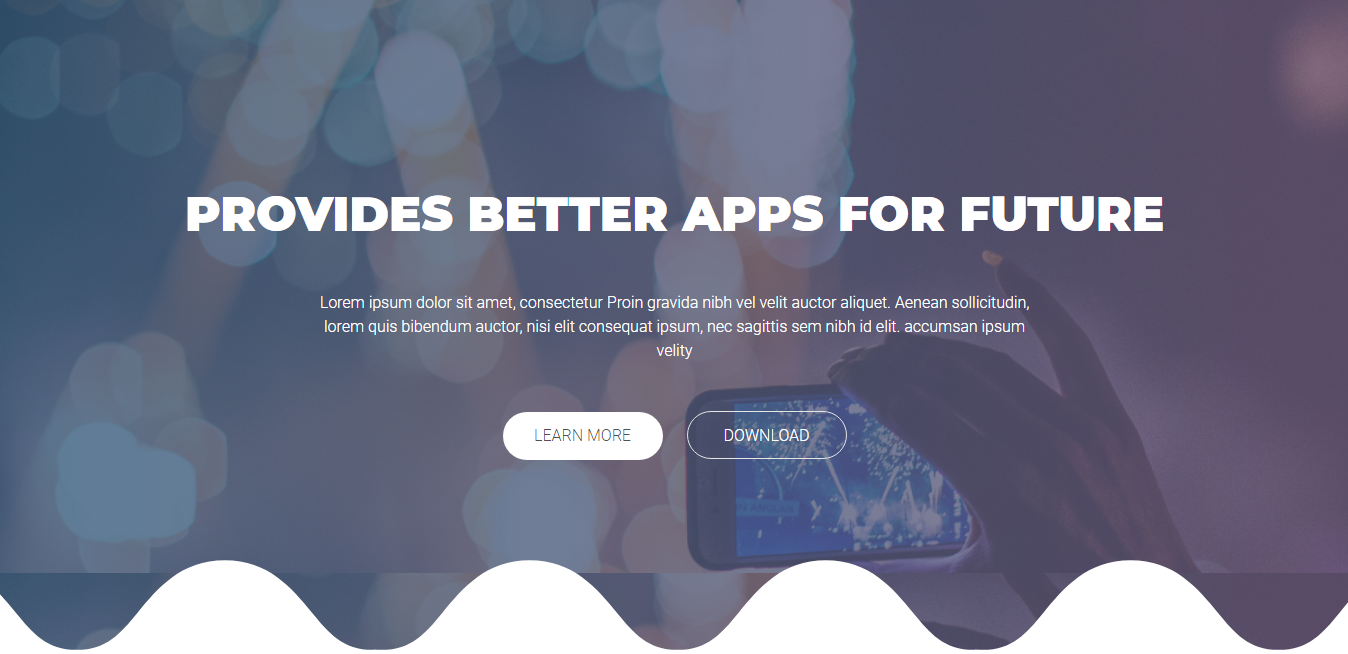
Landing header effects
The seven landing pages differ from each other in the header and nothing else. The logo row, the navigation and every section below the header are the same markup in all seven; the family member you pick is the background treatment its header carries.
Each effect pairs one stylesheet with one script, both named after the effect. The stylesheet is
linked in the <head> and the script is loaded at the end of the body, and the effect script must
be the one named for the page or the canvas will not start.
The shared markup
Four of the seven effects (bubble, particles, snow, star) use this header verbatim. The canvas is
#particles-js, an empty div the script fills:
<!-- START AONOMY HEADER SECTION -->
<header id="aonomy-header">
    <div id="particles-js"></div>
    <div class="aonomy-top">
        <div class="container">
            <div class="row">
                <div class="aonomy-logo-container col-xl-3 col-lg-3 col-md-3 col-sm-6 col-6">
                    Aonomy logo
                </div><!-- end .aonomy-logo-container -->
                <div class="aonomy-navigation col-xl-9 col-lg-9 col-md-9 col-sm-6 col-6">
                    Aonomy navigation
                </div><!-- end .aonomy-navigation -->
            </div><!-- end .row -->
        </div><!-- end .container-->
    </div><!-- end .aonomy-top -->

    <div class="aonomy-header-bottom">
        <div class="container">
            <div class="row">
                Aonomy header content
            </div><!-- end .row -->
        </div><!-- end .container -->
    </div><!-- end .aonomy-header-bottom -->
</header>
<!-- END AONOMOY HEADER SECTION -->
Two effects change this markup, and each change is the whole difference:
- Parallax and wave put
data-stellar-background-ratio="0.5"on the<header>element and drop the#particles-jsdiv. The background is a full-bleed image, and jQuery Stellar reads the data attribute to move it at half the page's scroll speed. - Video swaps the
#particles-jsdiv for<div id="aonomy-video-banner"></div>. The script points it at the clips inassets/video.
Effect to file mapping
| Effect | Stylesheet | Script | Canvas config |
|---|---|---|---|
| Bubble | assets/css/style-bubble.css |
assets/js/app-bubble.js |
assets/json/bubble.json |
| Particles | assets/css/style-particles.css |
assets/js/app-particles.js |
assets/json/particles.json |
| Snow | assets/css/style-snow.css |
assets/js/app-snow.js |
assets/json/snow.json |
| Star | assets/css/style-star.css |
assets/js/app-star.js |
assets/json/star.json |
| Parallax | assets/css/style-parallax.css |
assets/js/app-parallax.js |
- |
| Video | assets/css/style-video.css |
assets/js/app-video.js |
- |
| Wave | assets/css/style-wave.css |
assets/js/app-wave.js |
- |
The canvas effects are tuned in their JSON, not in the scripts. The parallax effects are tuned by
the data-stellar-background-ratio attribute. The wave is a repeating SVG, assets/img/waves.svg,
layered along the header's bottom edge, so its scale is a CSS background property rather than a
script one.
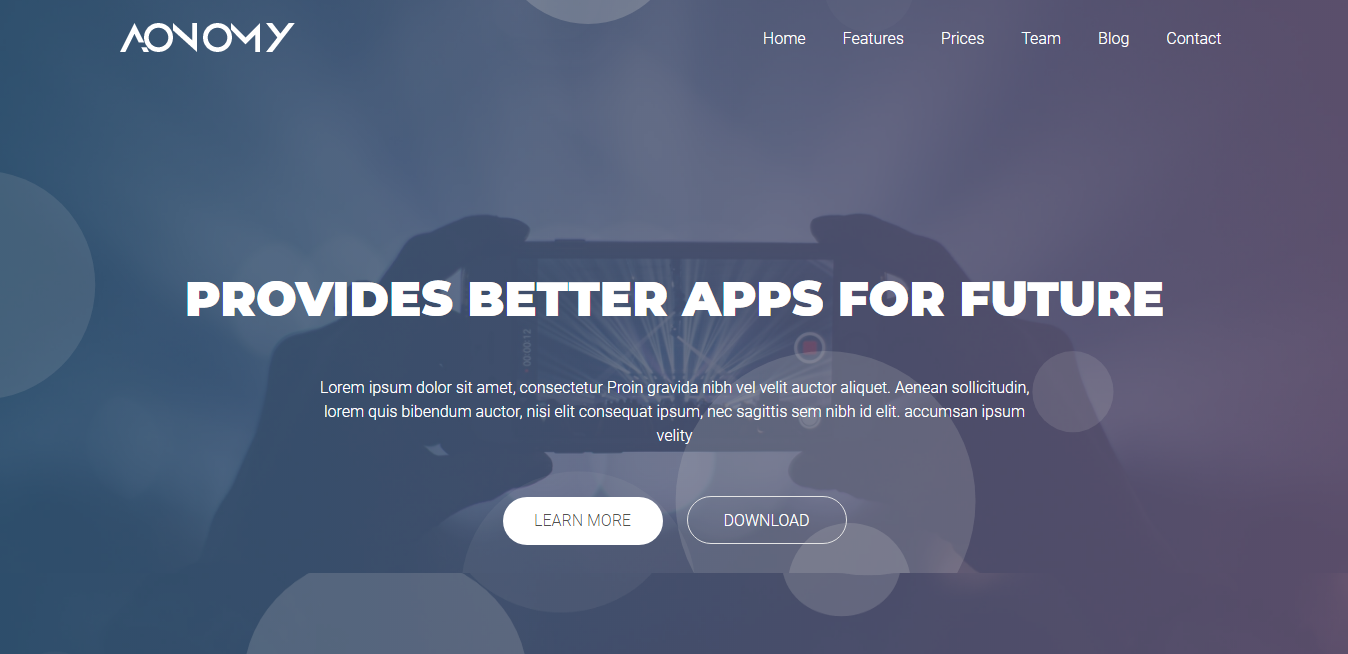
Bubble effect
<link rel="stylesheet" href="assets/css/style-bubble.css">
<script src="assets/js/app-bubble.js"></script>
Particles effect
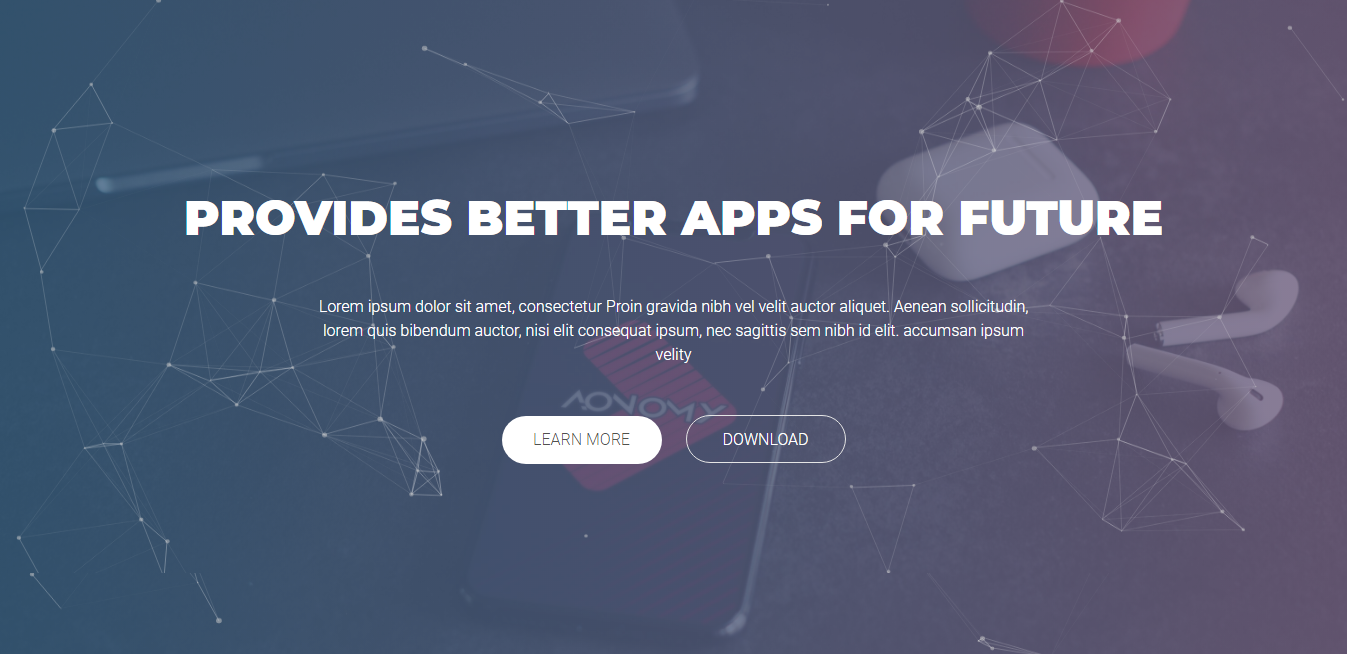
<link rel="stylesheet" href="assets/css/style-particles.css">
<script src="assets/js/app-particles.js"></script>
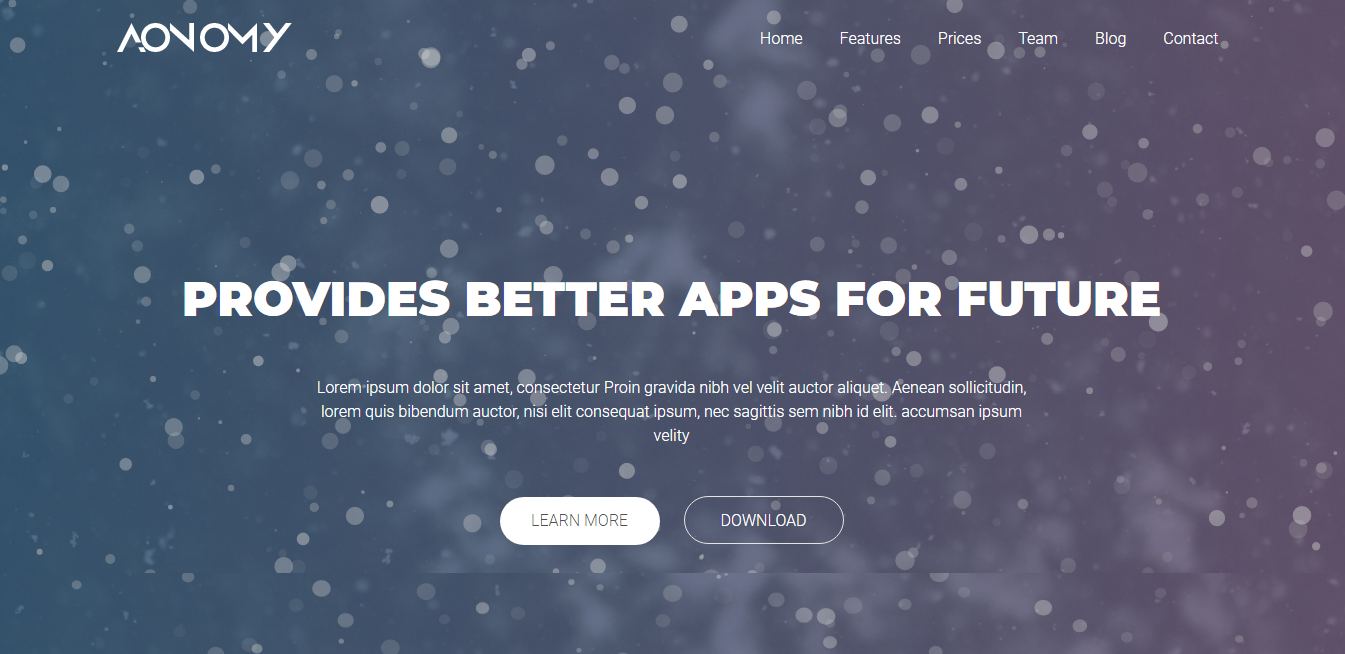
Snow effect
<link rel="stylesheet" href="assets/css/style-snow.css">
<script src="assets/js/app-snow.js"></script>
Star effect
<link rel="stylesheet" href="assets/css/style-star.css">
<script src="assets/js/app-star.js"></script>
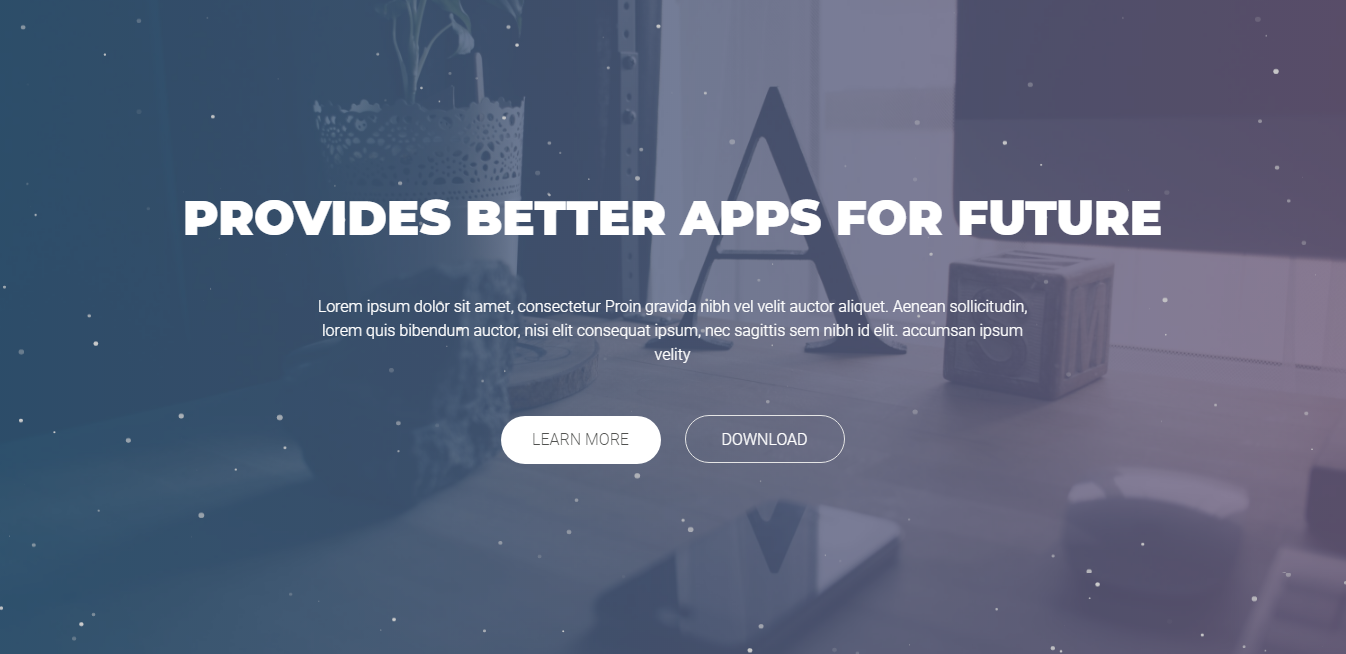
Parallax effect
<link rel="stylesheet" href="assets/css/style-parallax.css">
<script src="assets/js/app-parallax.js"></script>
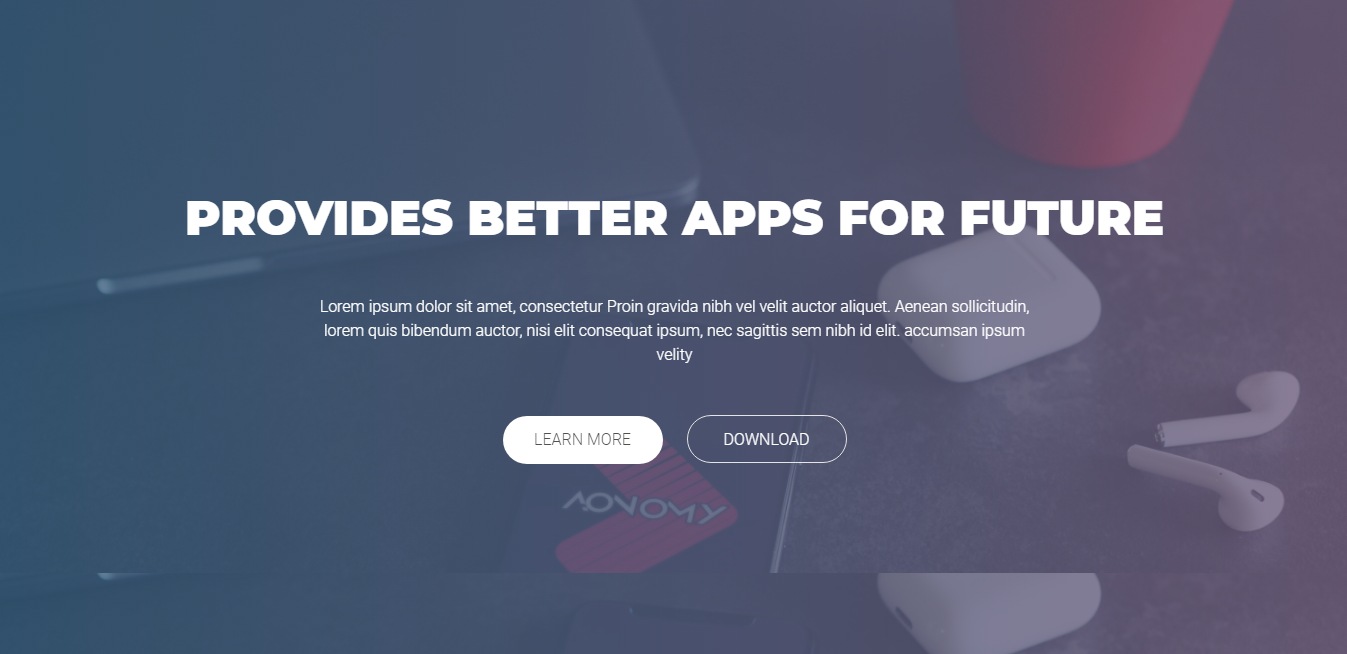
Video effect
<link rel="stylesheet" href="assets/css/style-video.css">
<script src="assets/js/app-video.js"></script>

Wave effect
<link rel="stylesheet" href="assets/css/style-wave.css">
<script src="assets/js/app-wave.js"></script>