Sections: news, subscribe, contact and footer
The closing group of the landing page turns a visitor into a subscriber: the recent posts, the
mailing list, the contact form and the footer with the map. Two of the four ship real backends, a
MailChimp subscription handler and a PHPMailer contact handler, both in assets/form. They are the
only two places in the template that need your credentials.
News section
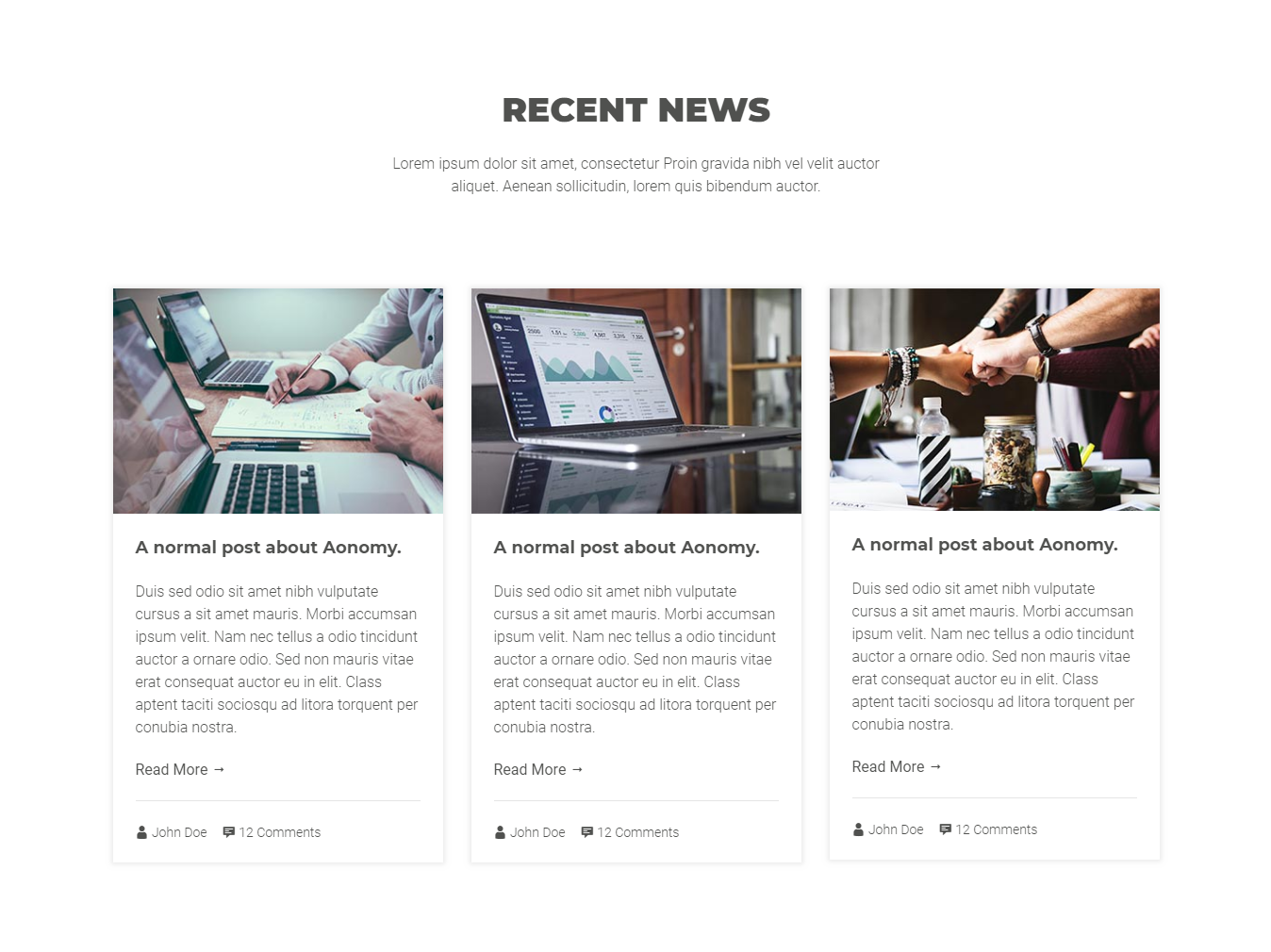
The #aonomy-news section, the recent posts grid. The blog pages reuse this section as their
archive body.
<!-- START AONOMY NEWS SECTION -->

<section id="aonomy-news">
    <div class="container">

        <div class="aonomy-section-header">
            <div class="row">
                <div class="col-xl-12">
                    <h3>Recent News title</h3>
                    <p>Recent News subtitle</p>
                </div><!-- end .col-lg-12 -->
            </div><!-- end .row -->
        </div><!-- end .aonomy-section-header -->

        <div class="aonomy-news-container">
            <div class="row">
                Recent News Content
            </div><!-- end .row -->
        </div><!-- end .aonomy-news-container -->

    </div><!-- end .container -->
</section>

<!-- END AONOMY NEWS SECTION -->
Subscribe section
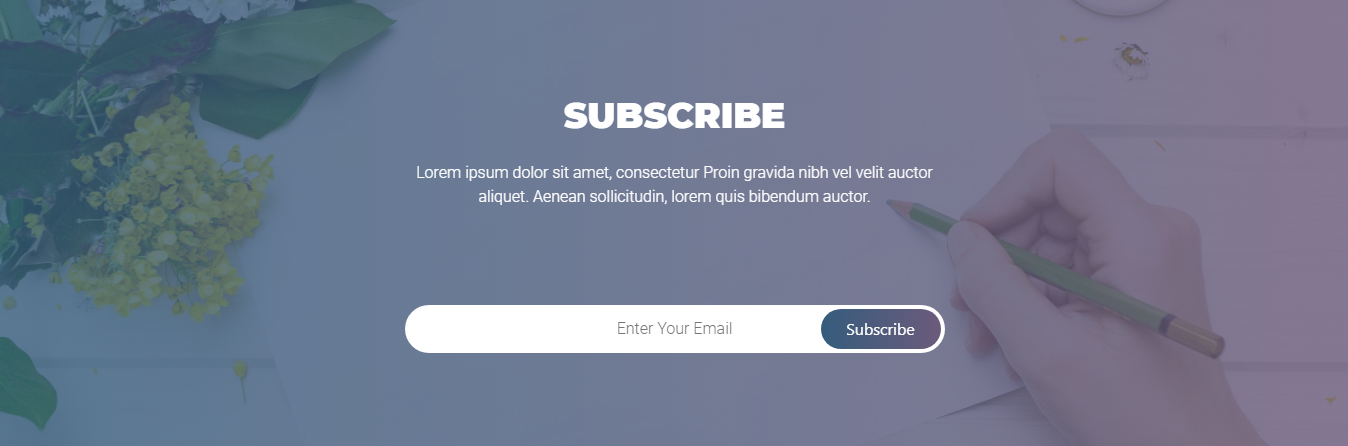
The #aonomy-subscription section, the email capture band.
<!-- START AONOMY SUBSCRIPTION SECTION -->
<section id="aonomy-subscription" data-stellar-background-ratio="0.5">
    <div class="container">

        <div class="aonomy-section-header">
            <div class="row">
                <div class="col-xl-12">
                    <h3>Subscribe title</h3>
                    <p>Subscribe subtitle</p>
                </div><!-- end .col-lg-12 -->
            </div><!-- end .row -->
        </div><!-- end .aonomy-section-header -->

        <div class="aonomy-subscription-container">
            <div class="row">
                Subscribe content
            </div><!-- end .row -->
        </div><!-- end .aonomy-subscription-container -->

    </div><!-- end .container -->
</section>
<!-- END AONOMY SUBSCRIPTION SECTION -->
MailChimp configuration
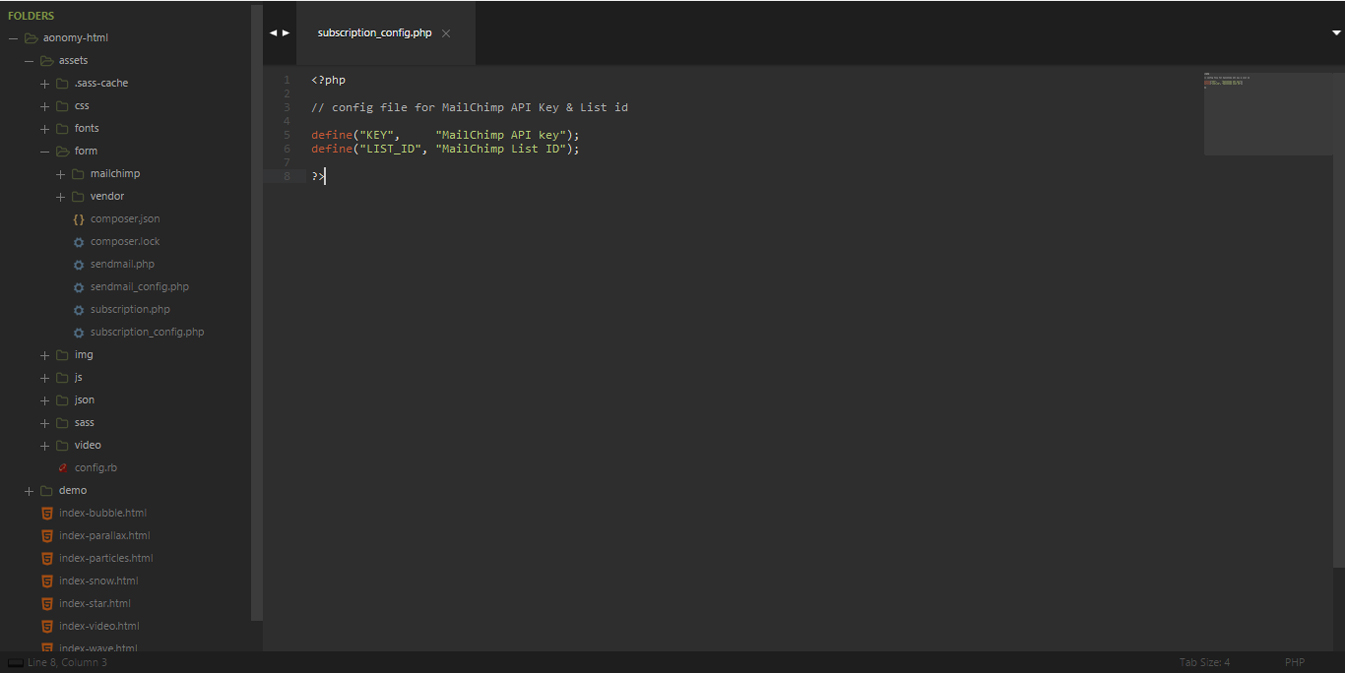
The form posts to assets/form/subscription.php, which reads its settings from
assets/form/subscription_config.php. Two values are yours to fill in:
define("KEY",     "MailChimp API key");
define("LIST_ID", "MailChimp List ID");
The MailChimp API key is issued to your MailChimp account, and the list id is the id of the list
the form should add subscribers to. MailChimp documents both under "API keys" and "Audience" in
their knowledge base. The handler then talks to the API through the MailChimp client in
assets/form/mailchimp/.
Contact section
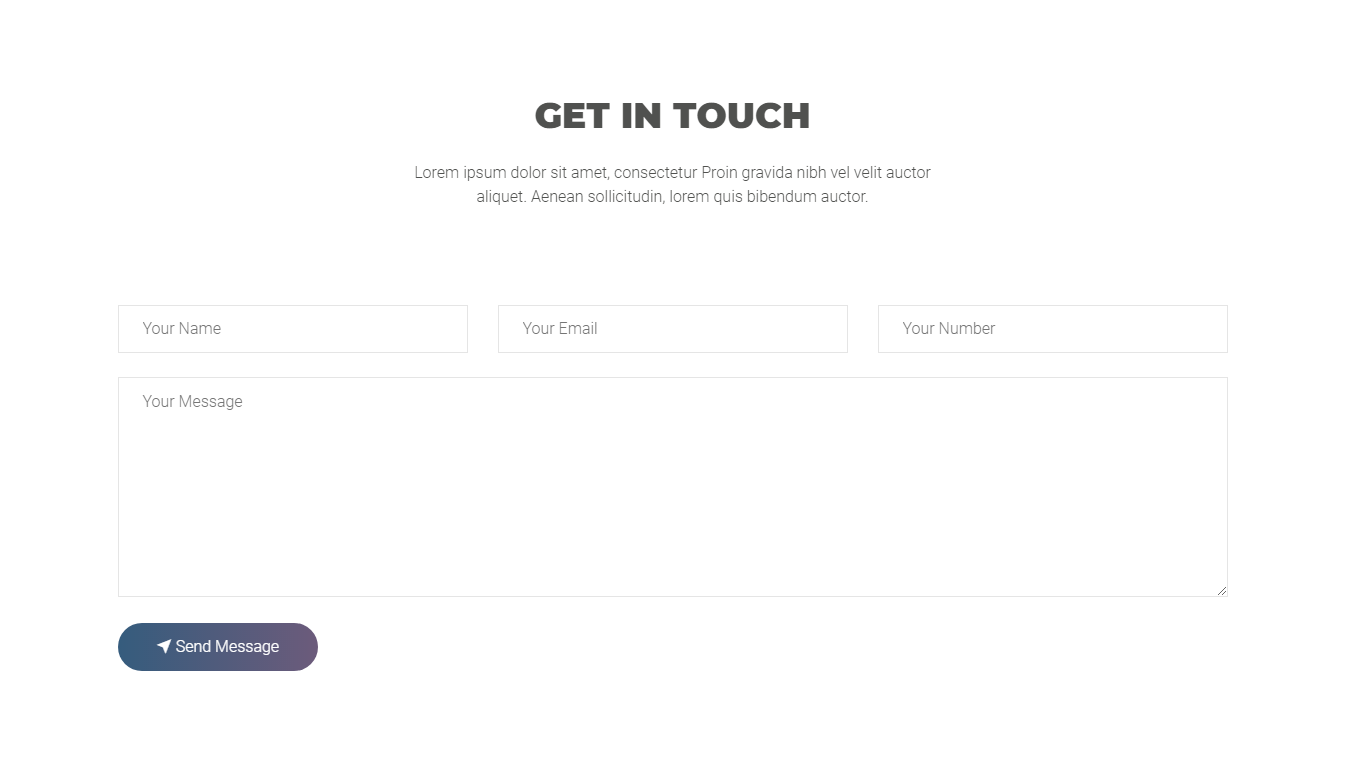
The #aonomy-contact section, the contact form.
<!-- START AONOMY CONTACT SECTION -->
<section id="aonomy-contact">
    <div class="container">

        <div class="aonomy-section-header">
            <div class="row">
                <div class="col-xl-12">
                    <h3>Contact title</h3>
                    <p>Contact subtitle</p>
                </div><!-- end .col-lg-12 -->
            </div><!-- end .row -->
        </div><!-- end .aonomy-section-header -->

        <div class="aonomy-contact-container">
            <div class="row">
                Contact content
            </div><!-- end .row -->
        </div><!-- end .aonomy-contact-container -->

    </div><!-- end .container -->
</section>
<!-- END AONOMY CONTACT SECTION -->
PHPMailer configuration
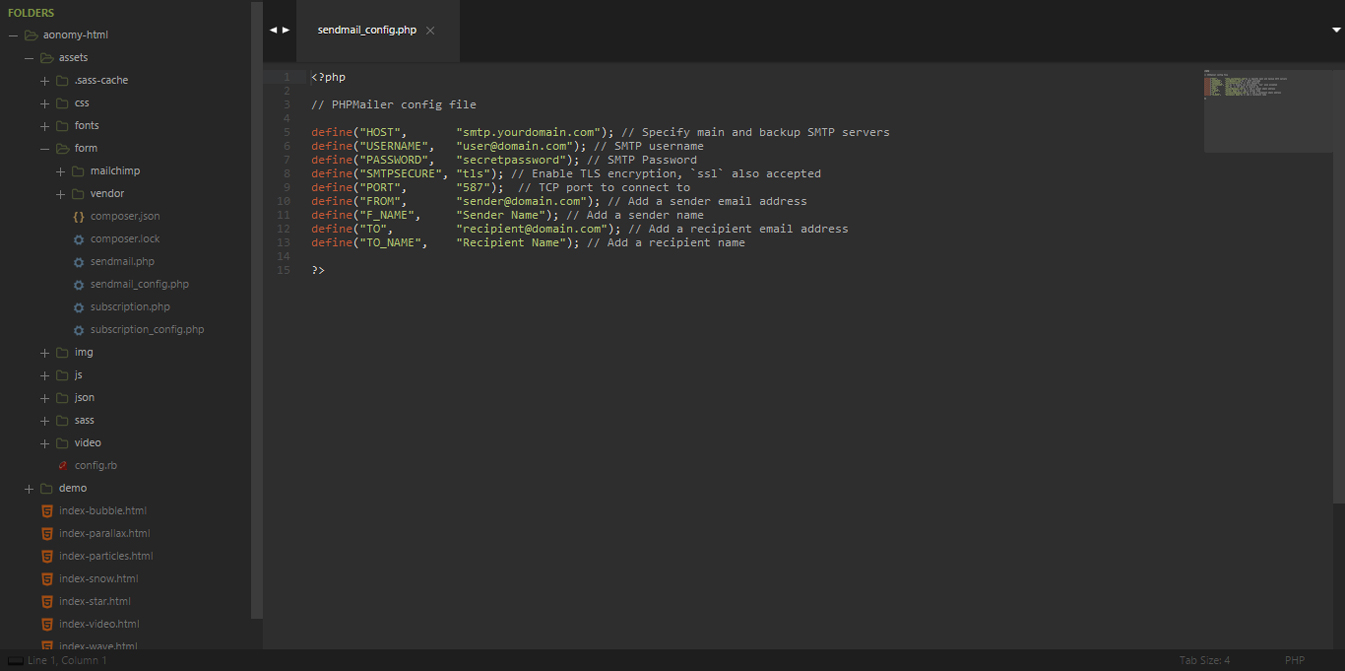
The form posts to assets/form/sendmail.php, which reads its settings from
assets/form/sendmail_config.php. Seven values are yours:
define("HOST",       "smtp.yourdomain.com"); // Specify main and backup SMTP servers
define("USERNAME",   "user@domain.com");     // SMTP username
define("PASSWORD",   "secretpassword");      // SMTP Password
define("SMTPSECURE", "tls");                 // Enable TLS encryption, `ssl` also accepted
define("PORT",       "587");                 // TCP port to connect to
define("FROM",       "sender@domain.com");   // Add a sender email address
define("F_NAME",     "Sender Name");         // Add a sender name
define("TO",         "recipient@domain.com");// Add a recipient email address
define("TO_NAME",    "Recipient Name");      // Add a recipient name
The handler sends through PHPMailer, which ships with the template under
assets/form/vendor/. SMTPSECURE accepts tls or ssl and PORT follows the provider's
documentation. For Gmail's SMTP specifically, the account needs "less secure app access" enabled,
which Google controls from the account security settings.
Footer section
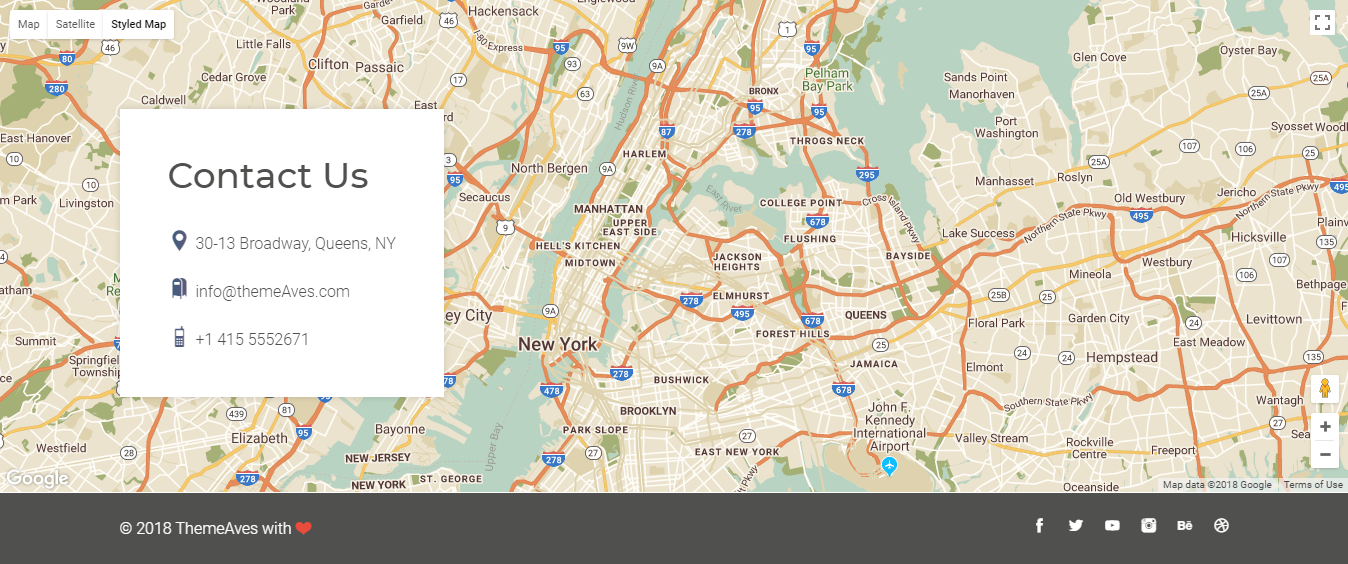
The #aonomy-footer footer splits into the map band and the copyright band. The map is the
Google Maps canvas, #map, sized by the stylesheet and initialised by app-*.js, and the
.aonomy-footer-contact block floats over it with the contact details. The Google Maps script
tag at the end of the page carries an API key in the query string; replace it with your own key
before you ship, or the map will not load on your domain.
<!-- START AONOMY FOOTER -->
<footer id="aonomy-footer">
    <div class="aonomy-map-container">
        <div id="map"></div>
        <div class="container">
            <div class="row">
                <div class="col-xl-12">
                    <div class="aonomy-footer-contact">
                        Contact Details
                    </div><!-- end .aonomy-footer-contact -->
                </div><!-- end .col-xl-12 -->
            </div><!-- end .row -->
        </div><!-- end .container -->
    </div><!-- end .aonomy-map-container -->

    <div class="aonomy-copyright-container">
        <div class="container">
            <div class="row">
                Contact Copyright Content
            </div><!-- end .row -->
        </div><!-- end .container -->
    </div>
</footer>

<!-- END AONOMY FOOTER -->